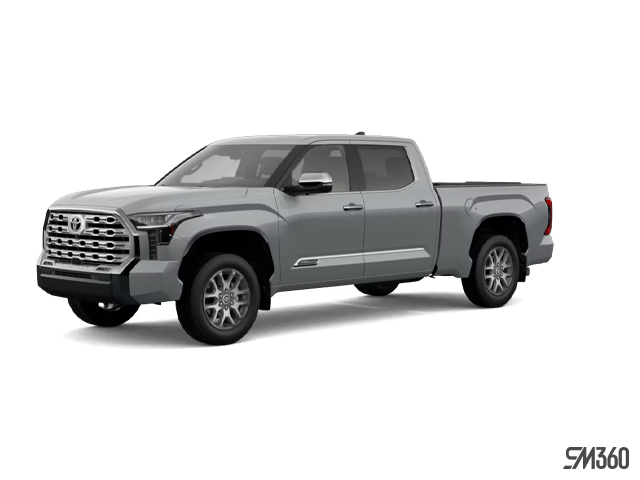
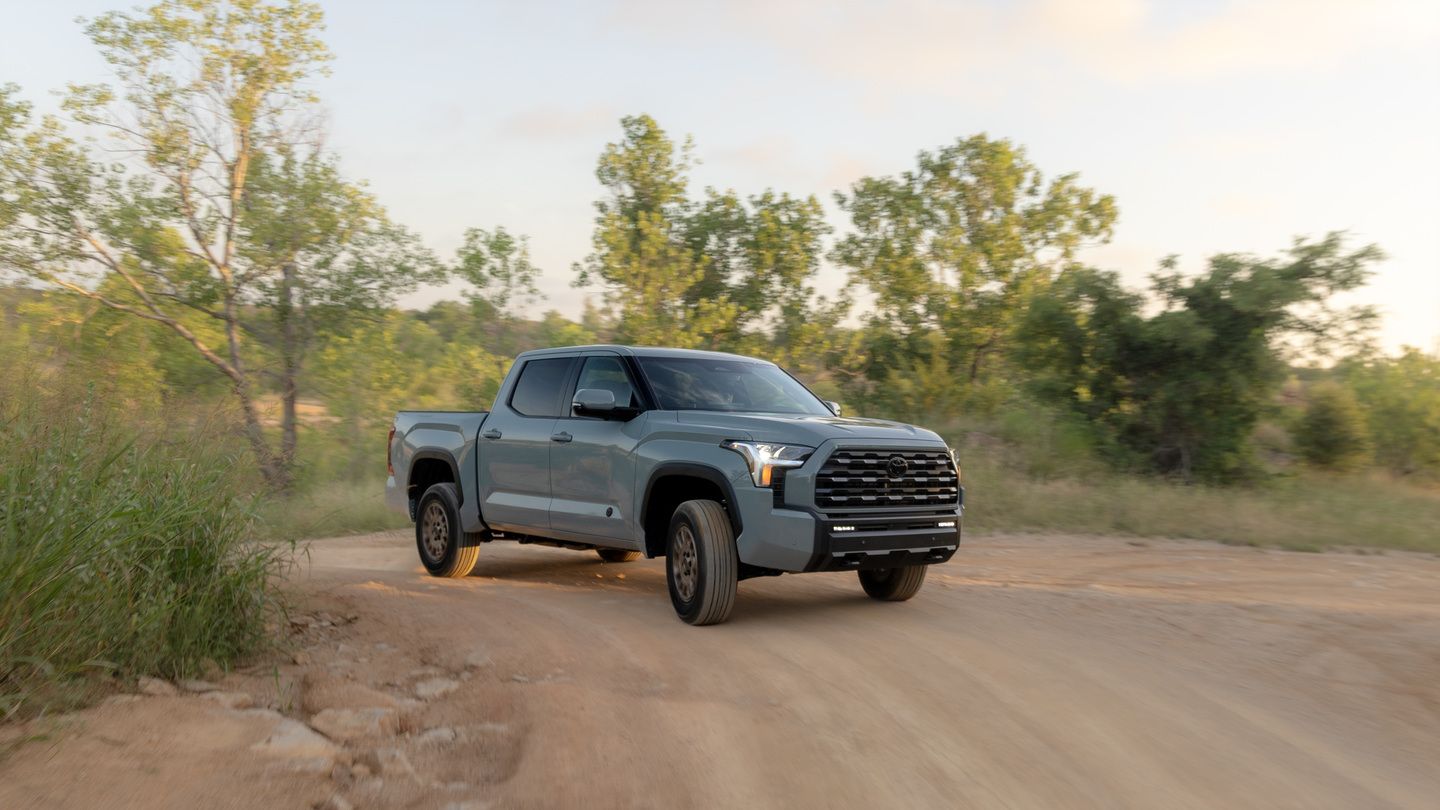
A workday in New Brunswick rarely looks the same twice. One morning you’re hauling gear to a jobsite, the next you’re shuttling kids across town, and by evening you just want the drive home to be simple. The 2026 Toyota Tundra’s cabin is built around that kind of variety, with connectivity tools that stay out of your way until you need them.
What the Tundra’s Cabin Tech Actually Is
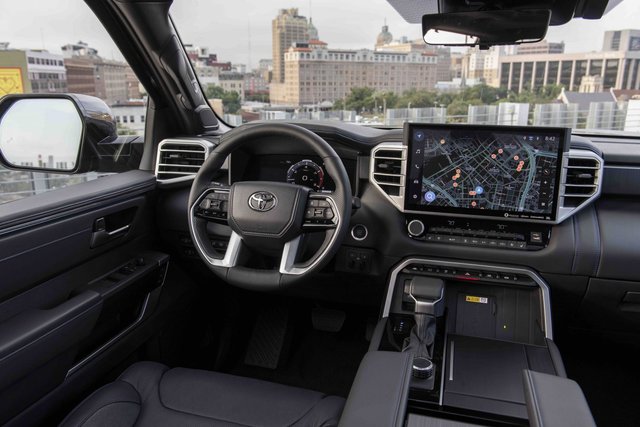
Every 2026 Tundra comes with the Toyota Multimedia system as standard equipment, built around a touchscreen that acts as the control centre for media, phone functions, and vehicle-connected features. Double Cab SR trims run an 8-inch display, while several other grades step up to a 14-inch screen.
This isn’t an add-on layered over the truck. It’s the interface for nearly everything you’d otherwise reach for a phone or a separate button to do: music, calls, navigation apps, and settings.
Standard alongside the screen: wireless Apple CarPlay compatibility, wireless Android Auto compatibility, Bluetooth capability, Toyota Assistant, HD Radio, SiriusXM Audio, and a USB input/charging port. None of this is trim-gated to the top of the lineup; it’s part of the truck from the base SR grade up.
How the System Works in Plain Language
The touchscreen uses phone-style gestures, so swiping and tapping feel familiar the first time you sit in the cab. Menu logic keeps media, phone, and vehicle functions organized without a maze of sub-menus to dig through.
Wireless Apple CarPlay and wireless Android Auto are the headline convenience feature here. Your phone connects automatically once it’s paired, with no cable to dig out of a bag or plug in every time you climb into the cab. For short hops across town or a jobsite change mid-morning, that’s one less thing to manage before you pull out of the driveway.
Setup is a one-time process: pair the phone once through Bluetooth, and the wireless connection takes over for CarPlay or Android Auto on future trips. Toyota Assistant adds voice interaction on top of that, letting you adjust media, handle a call, or reach select vehicle functions without taking your hands off the wheel.
Beyond the wireless pairing, the cabin supports multiple connection paths at once: Bluetooth for hands-free calling, USB charging for a phone that’s running low, and the standard 6-speaker audio setup (with SiriusXM and HD Radio built in) for whoever’s riding along.
Why It Matters for Everyday Driving
A multi-path setup like this isn’t a gimmick; it solves a real problem for shared-truck households. One driver’s phone can pair over Bluetooth for calls while a passenger charges a device over USB, and nobody has to fight over the same cable or connection.
Toyota Assistant’s hands-free functions are as much a focus-and-safety feature as a convenience one. Adjusting a playlist or picking up a call without touching the screen keeps eyes on the road, which matters on any drive, whether it’s a highway commute or a stretch of backroads.
The Toyota Multimedia system also runs Toyota’s connected-services suite, including Safety Connect, Service Connect, and Remote Connect, each offered as a trial period with paid enrollment after it expires. These layer ownership convenience on top of the day-to-day multimedia functions, from vehicle status checks to remote features, when a compatible phone and wireless network connection are in place.
Who Gets the Most Out of This Cabin
Commuters benefit most from the wireless CarPlay and Android Auto setup, since it removes the daily friction of plugging in. Families and shared-vehicle households benefit from the multiple connection paths, letting more than one person’s devices stay powered and paired without a cable standoff.
Towing users will appreciate that the interface stays simple even when towing-specific functions and gauges are active on-screen; nothing about the connectivity layer changes when a trailer’s hooked up. Tech-forward buyers who want a straightforward, easy-to-use interface, rather than a screen with a learning curve, will find the menu logic and voice control cover the basics without complication.
Across all of these use cases, the throughline is the same: the Tundra’s cabin tech is practical rather than flashy. It’s there to make a busy day easier, not to be a feature you have to think about.
See the 2026 Tundra’s Cabin Tech in Person
The 2026 Toyota Tundra pairs a straightforward multimedia interface with wireless phone integration and hands-free voice control, standard from the base Double Cab SR up through the lineup. It’s cabin tech built to disappear into daily use rather than demand attention.
Visit Saint John Toyota in Saint John to sit in a 2026 Tundra and try the multimedia system, wireless phone pairing, and connected features for yourself. Book a test drive with our team to see how it fits your daily routine.